
ANTAMEDIA PLATFORM
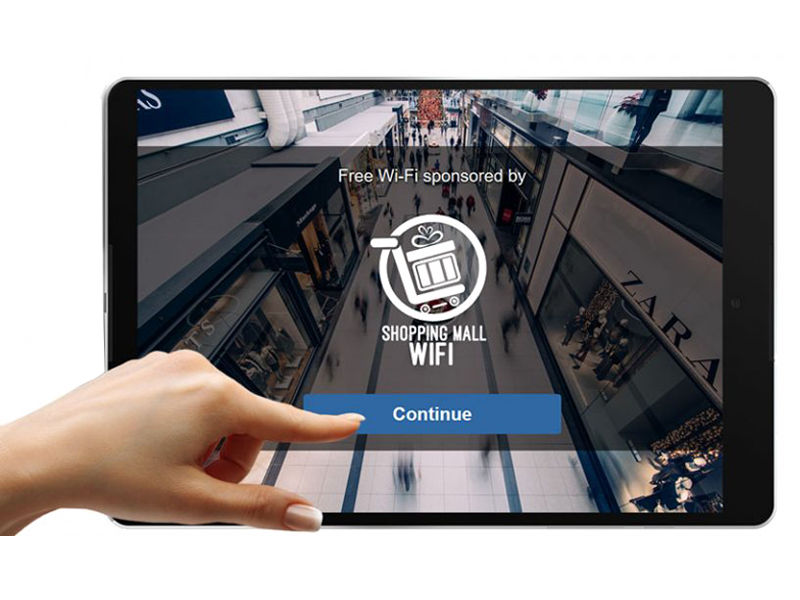
WiFi Hotspot
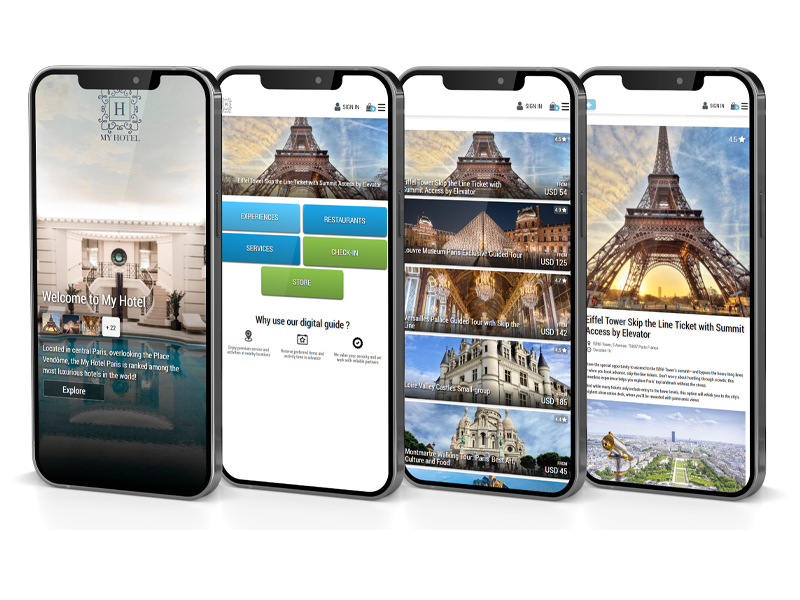
Digital Guide
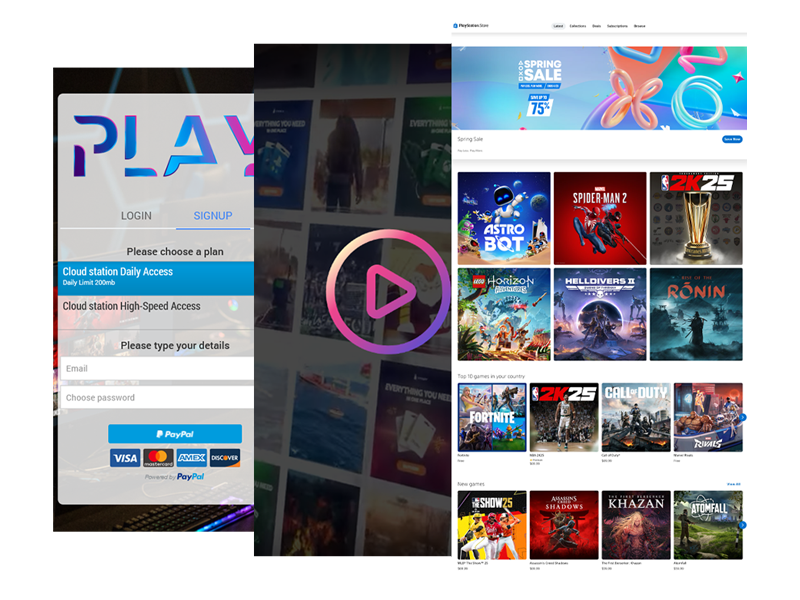
Cloud Station
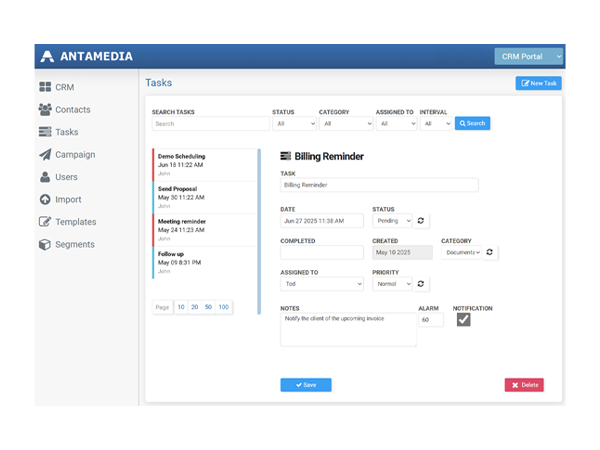
CRM Manager
Live Chat
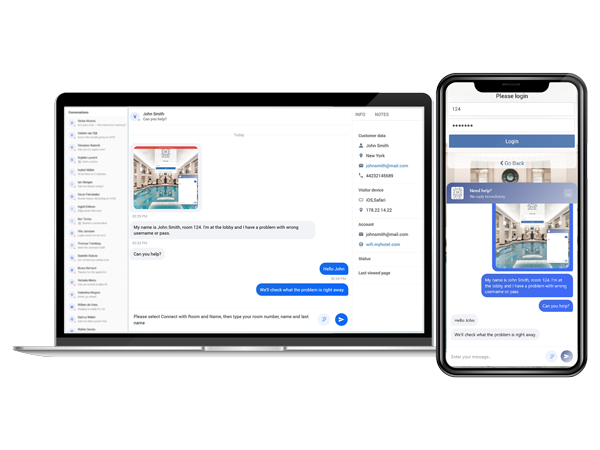
ANTAMEDIA PLATFORM
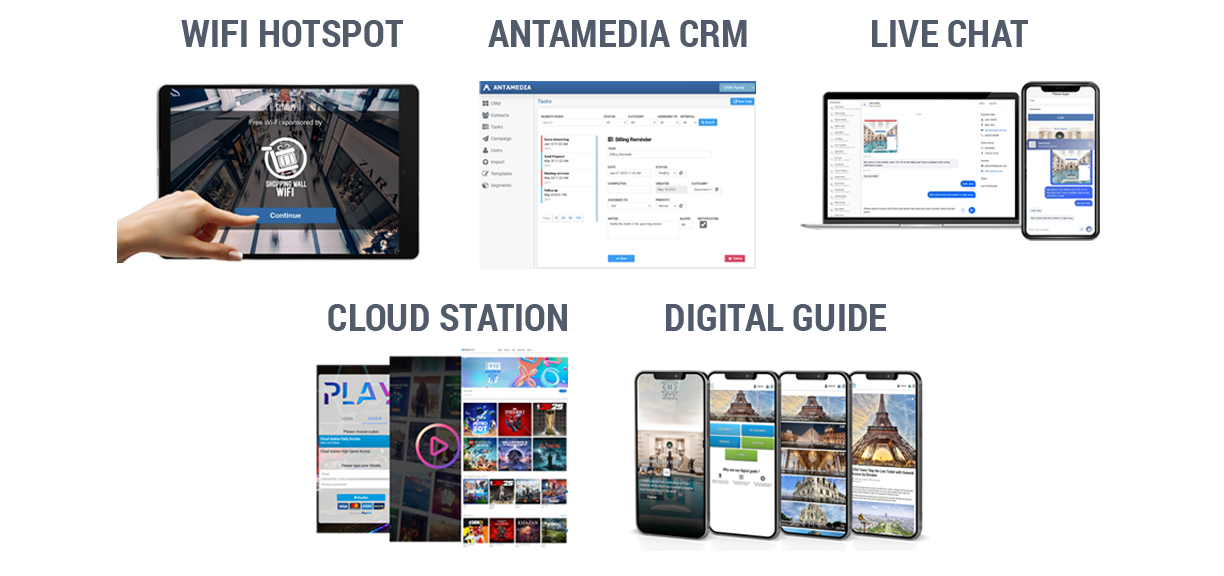
5 Solutions. 1 Platform.
1 Login. Full Power.
1 Login. Full Power.
Antamedia turns website visits, WiFi logins, QR scans, and public PC usage into real customer relationships. With names, context, and history your team can actually use.
• Manage Guest WiFi with Ease
• Monetize WiFi Access
• Advanced Analytics & User Insights
• Customizable Splash Pages
• QR-Based Concierge for Guests
• Access Services, Book Reservations
• Web Shop, Check-In & Room Requests
• No App Required
• Control Public Access Computers
• Remote Power and Device Control
• Secure and Easy Billing
• Application and Content Management
• Easily Manage Customers Relations
• Personalize Guest Interactions
• Automate Marketing Campaigns
• Turn Data into Revenue
• Manage Guest WiFi with Ease
• Monetize WiFi Access
• Advanced Analytics & User Insights
• Customizable Splash Pages
• Easily Manage Customers Relations
• Personalize Guest Interactions
• Automate Marketing Campaigns
• Turn Data into Revenue
• Control Public Access Computers
• Remote Power and Device Control
• Secure and Easy Billing
• Application and Content Management
• QR-Based Concierge for Guests
• Access Services, Book Reservations
• Web Shop, Check-In & Room Requests
• No App Required
One Platform, Many Everyday Uses
Whether someone is browsing your site from home, connecting to your WiFi in the lobby, scanning a QR at the bar, or sitting at a public PC:
•They see the same familiar chat
•Their questions and actions flow into Antamedia CRM
•Your team works from one shared view instead of juggling tools
Antamedia Chat, CRM, Digital Guide, WiFi Hotspot, and Cloud Station work best together when they are invisible to the guest and effortless for your staff.
They simply make every interaction easier to handle – and easier to remember.
One Platform, Many Everyday Uses
Whether someone is browsing your site from home, connecting to your WiFi in the lobby, scanning a QR at the bar, or sitting at a public PC:
•They see the same familiar chat
•Their questions and actions flow into Antamedia CRM
•Your team works from one shared view instead of juggling tools
Antamedia Chat, CRM, Digital Guide, WiFi Hotspot, and Cloud Station work best together when they are invisible to the guest and effortless for your staff.
They simply make every interaction easier to handle – and easier to remember.
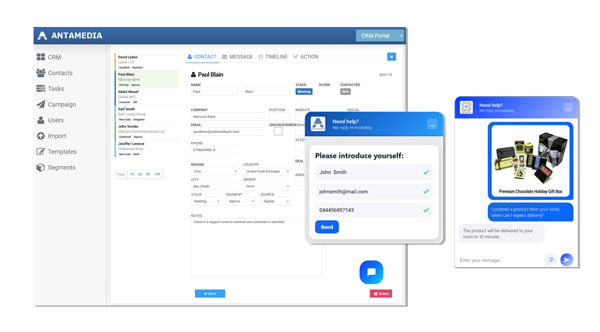
Website + Chat + CRM
Turn “Do you have…?” questions into contacts you can follow up
Website + Chat + CRM helps you:
•Capture leads without forcing long forms
•Avoid “who spoke to this customer?” emails inside your team
•Keep a clear record of all questions, quotes, and follow-ups
Your website stops behaving like a static brochure.
It starts acting like a front desk that never closes – and that remembers every interaction.
Prepare smarter offers based on what people actually ask for!
Website + Chat + CRM
Turn “Do you have…?” questions into contacts you can follow up
Website + Chat + CRM helps you:
•Capture leads without forcing long forms
•Avoid “who spoke to this customer?” emails inside your team
•Keep a clear record of all questions, quotes, and follow-ups
Your website stops behaving like a static brochure.
It starts acting like a front desk that never closes – and that remembers every interaction.
Prepare smarter offers based on what people actually ask for!
WiFi + Chat + CRM
Support guests at the exact moment they connect
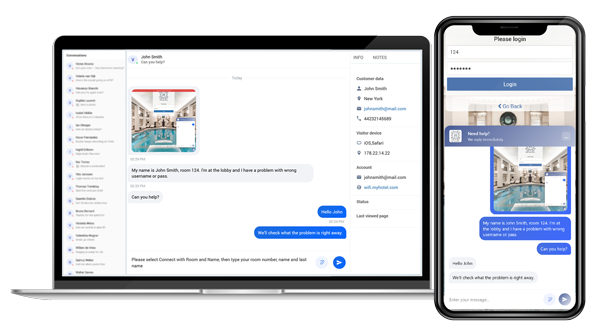
WiFi + Chat + CRM
Support guests at the exact moment they connect
WiFi + Chat + CRM helps you:
•Reduce phone calls and queue at reception
•Give guests a simple way to ask for help while they are already on site
•Track recurring issues across locations (login confusion, coverage, speeds)
•Connect on-site support with long-term customer records
WiFi + Digital Guide + Chat
Turn your welcome page into a living guide and upsell space
WiFi + Digital Guide + Chat helps you:
•Move upsell and concierge requests from the phone to WiFi
•Give guests a simple, visual way to explore what you offer
•Capture intent (what they viewed, what they asked about) inside CRM
•React quickly when guests are choosing, not after they leave
Over time, you see which services get attention, which pages people open, and which offers trigger questions or bookings.
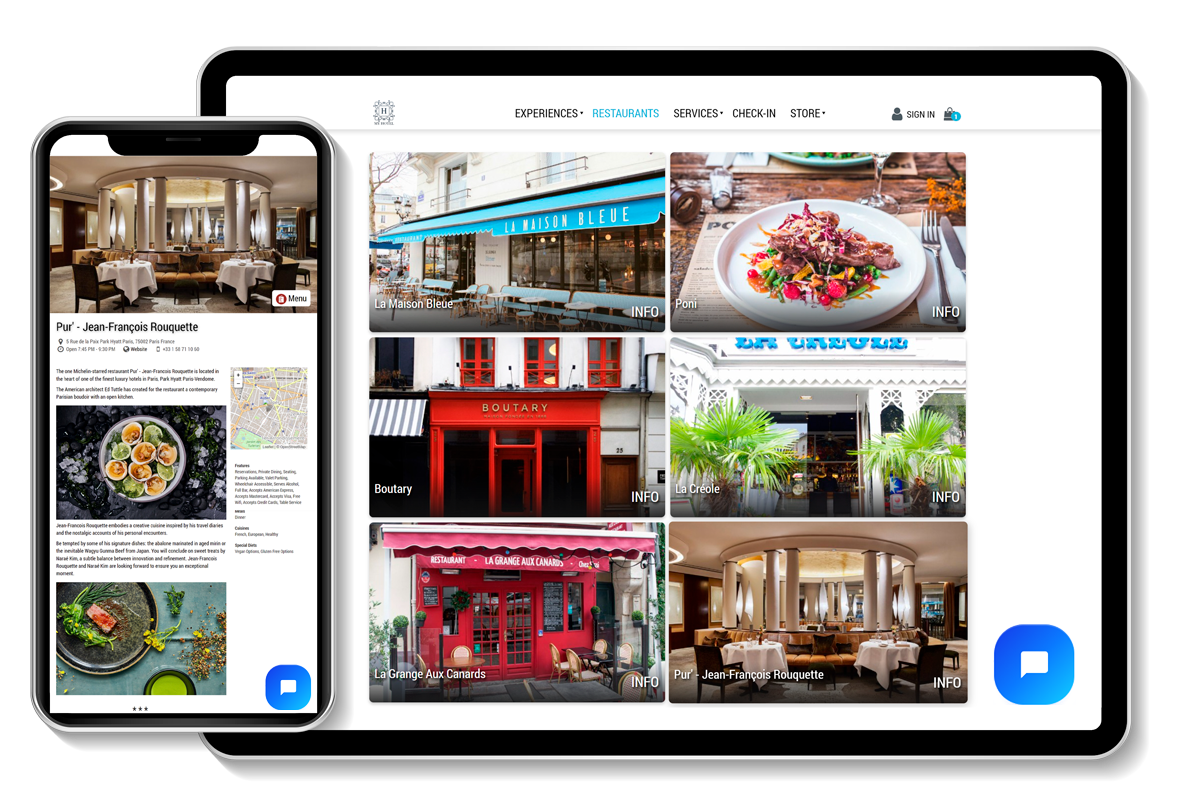
WiFi + Digital Guide + Chat
Turn your welcome page into a living guide and upsell space
WiFi + Digital Guide + Chat helps you:
•Move upsell and concierge requests from the phone to WiFi
•Give guests a simple, visual way to explore what you offer
•Capture intent (what they viewed, what they asked about) inside CRM
•React quickly when guests are choosing, not after they leave
Over time, you see which services get attention, which pages people open, and which offers trigger questions or bookings.
