
LIVE CHAT FOR WEBSITES AND WIFI PORTALS
Support visitors, guests and leads from one shared console
TRY LIVE CHAT FREE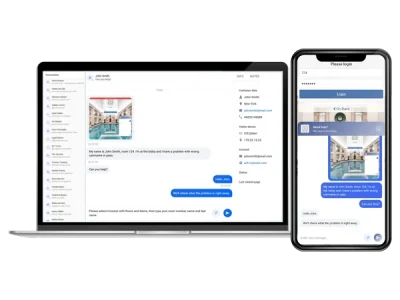

What is Antamedia Chat?
Antamedia Live Chat is a live chat platform for websites, WiFi splash pages and captive portals. It helps businesses answer visitor and guest questions in real time, collect contact details, support users before or after WiFi login and save conversation history in Antamedia Engage.
Why teams add Antamedia Chat
Real-time assistance replaces phone calls and email wait times.
One support console brings front desk, sales, and tech support together so anyone available can assist.
Every chat becomes an Engage contact with history, tags, and notes (Antamedia Engage required). One widget covers your website and captive portals – you decide where it appears.
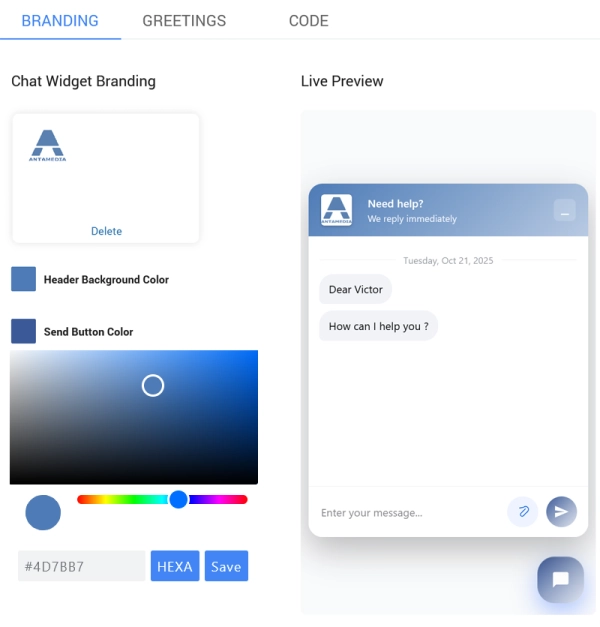
Brand it with your logo, colors, and greeting messages.
No credit card required. Zero-risk free trial.
Branded chat
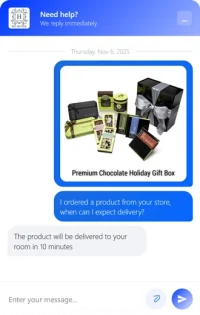
Customize the chat widget with your logo, colors, greeting message and brand style so it feels like part of your website or WiFi portal
Multi admin console
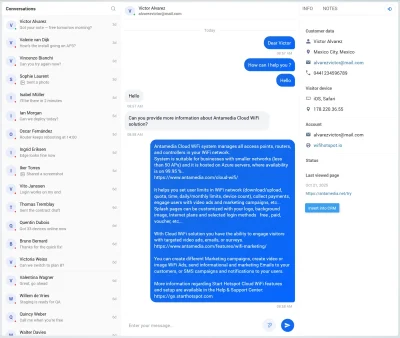
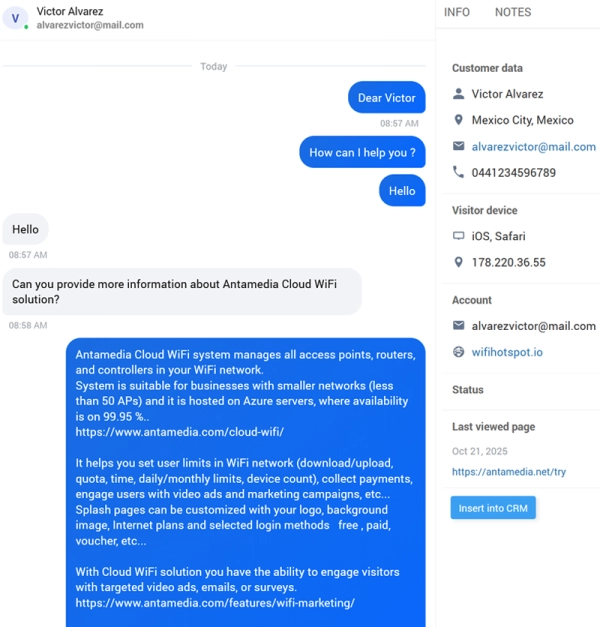
Let multiple team members reply from one shared console with unread markers, assignments and conversation handoff
Saved in Engage
Save conversations in Engage so contact details, transcripts, tags and notes stay connected with the customer timeline
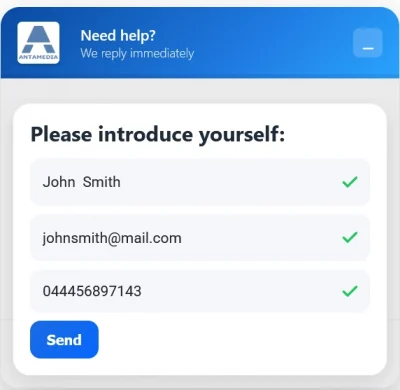
Pre-chat capture
Ask for name, email, phone or other consent-based details before the first message and match visitors with existing Engage records
File uploads
Allow users to attach screenshots, images, PDFs or documents so operators can understand and resolve issues faster
Made for WiFi
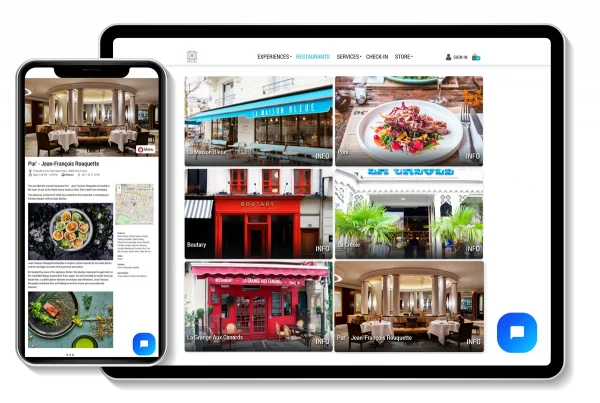
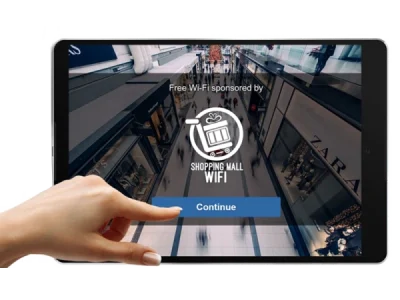
Add live chat to WiFi splash pages and captive portals so guests can reach your team even before completing login
What your team sees (Admin)
Operators can reply in real time, view visitor details, add internal notes and hand off conversations when another team member should continue the chat.
Customer view
Visitors enter their contact details and start a conversation with your team directly from the website, WiFi splash page or captive portal
How It works?
Live Chat Use Cases
Hotel
Help guests before and after WiFi login, answer common questions, reduce front desk calls and save conversations to Engage for better follow-up.
Retail
Answer product, availability and service questions in real time from your website or in-store WiFi portal, then save interested visitors as Engage contacts.
Conference / Events
Support attendees from the event website and venue WiFi splash page. Help with login, directions, schedules and service questions from one shared console.
Campus IT support
Let students, staff and visitors contact IT or student services instantly from the campus website or WiFi login page.
Clinic / Hospital
Help patients and visitors find departments, understand check-in steps and ask questions before arrival or while using guest WiFi.
Hospitality upsell and concierge
Let guests ask about upgrades, spa, dining, activities and services, while your team saves preferences and follow-up context in Engage.
Specs at a glance

Live Chat FAQ
Yes. Antamedia Engage is required. Every conversation creates or attaches to a Engage contact so your team keeps full history, tags, notes, and follow‑ups
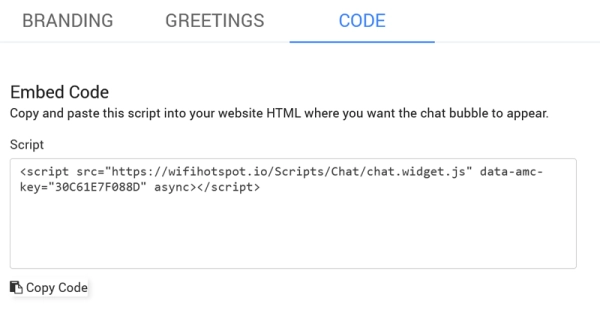
Yes. Use one script/site ID. The widget keeps your brand theme and runs on both pages, including pre‑login captive portals when allowed by your network settings
Multiple admins can work simultaneously in the shared console with unread markers, assignments, and handoff. Seat limits depend on your plan
Yes. Add a pre‑chat form (name and/or email). The form is consent‑based and the data is stored on the Engage contact
Yes. Guests can upload common formats (images, PDFs). Files display inline so operators resolve issues faster; attachments are saved on the contact timeline
Every thread is automatically attached to the contact in Engage with full transcript, timestamps, tags, and operator notes. You can search by person, tag, or keyword
Yes. The script loads asynchronously and is lightweight for mobile. Theme memory avoids flicker and keeps brand colors consistent
Some of our customers

